FREE WALLPAPERS
St. Thérèse, for your lock screen
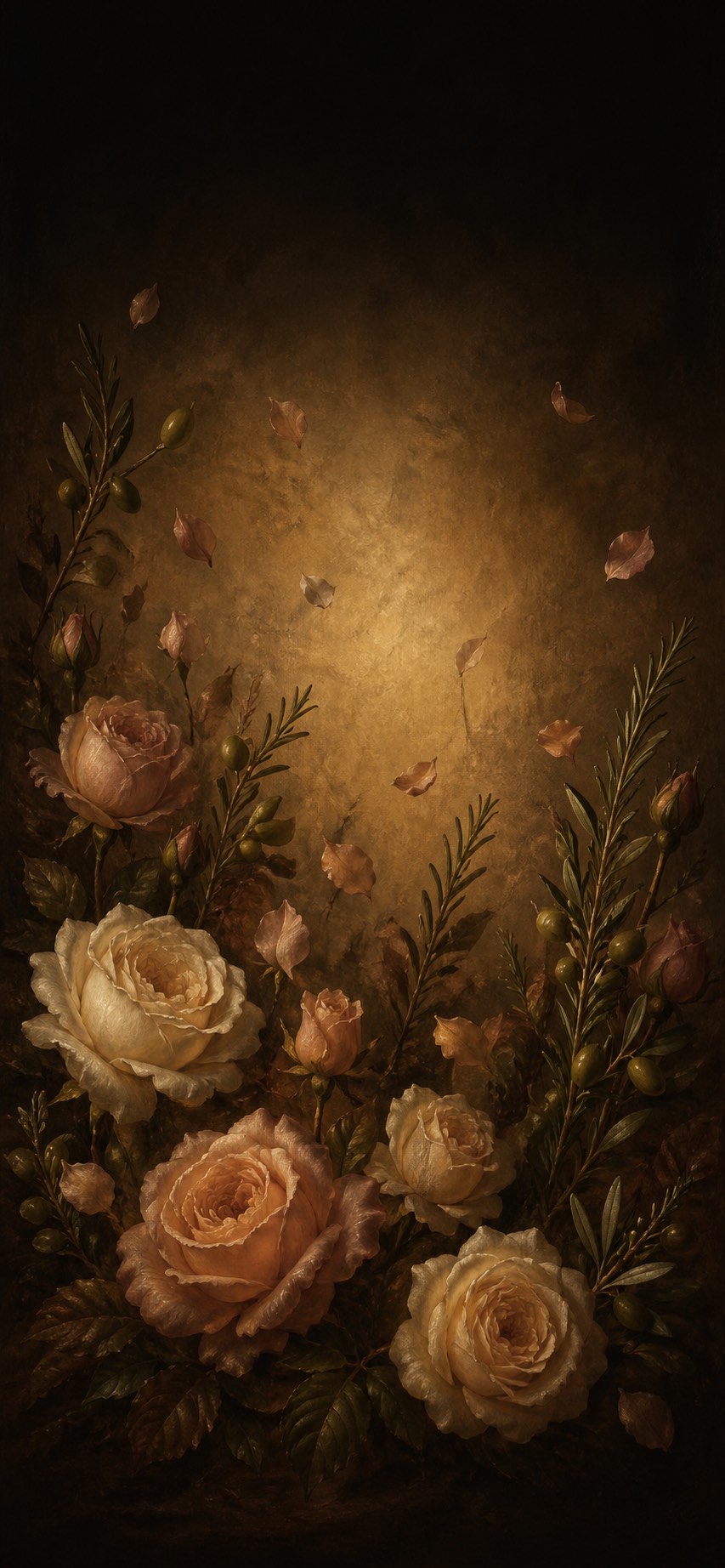
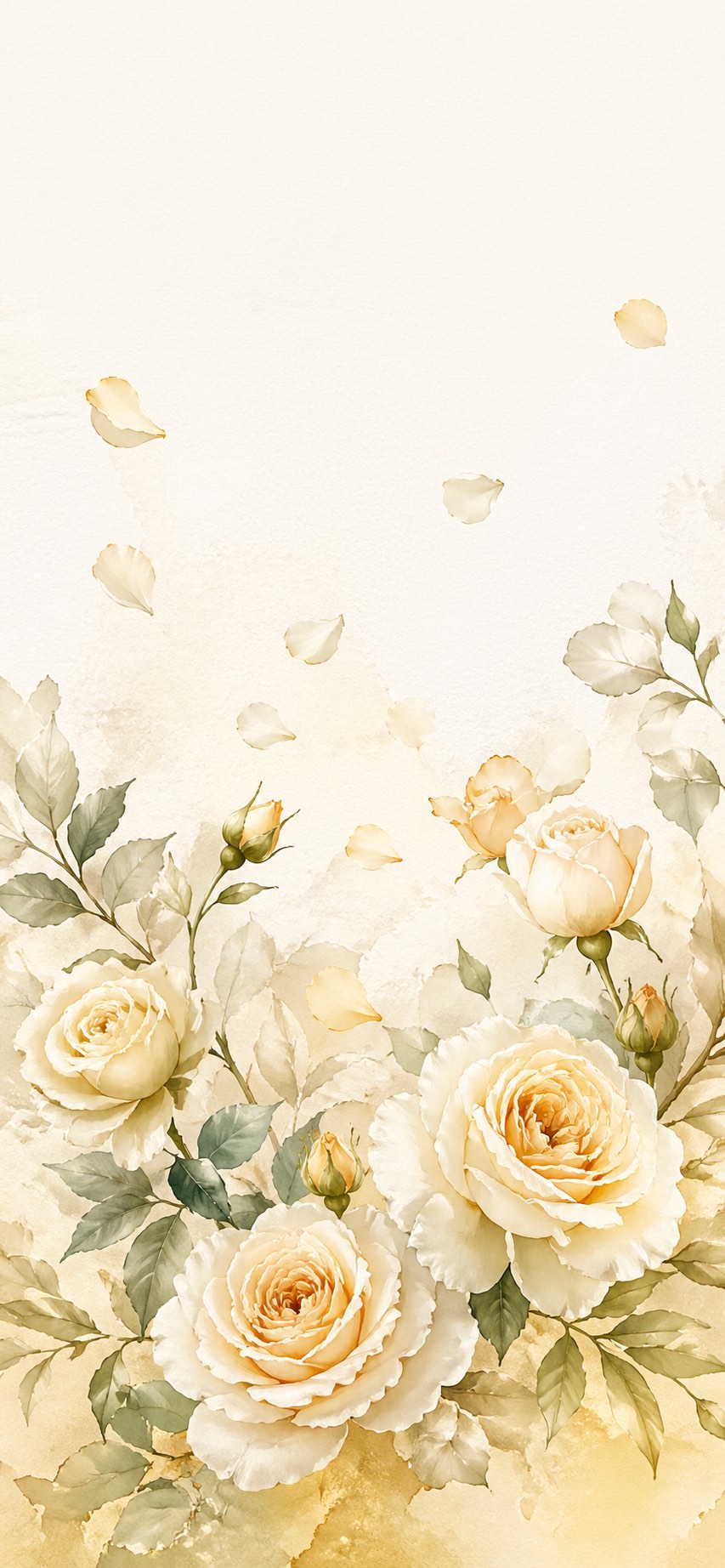
Four wallpapers from the Little Way app — the rose garden, a shower of roses, the little flower and a quiet cross. Each one is composed for a phone, so the clock falls in the dark at the top.
Free. No email, no account, no watermark.
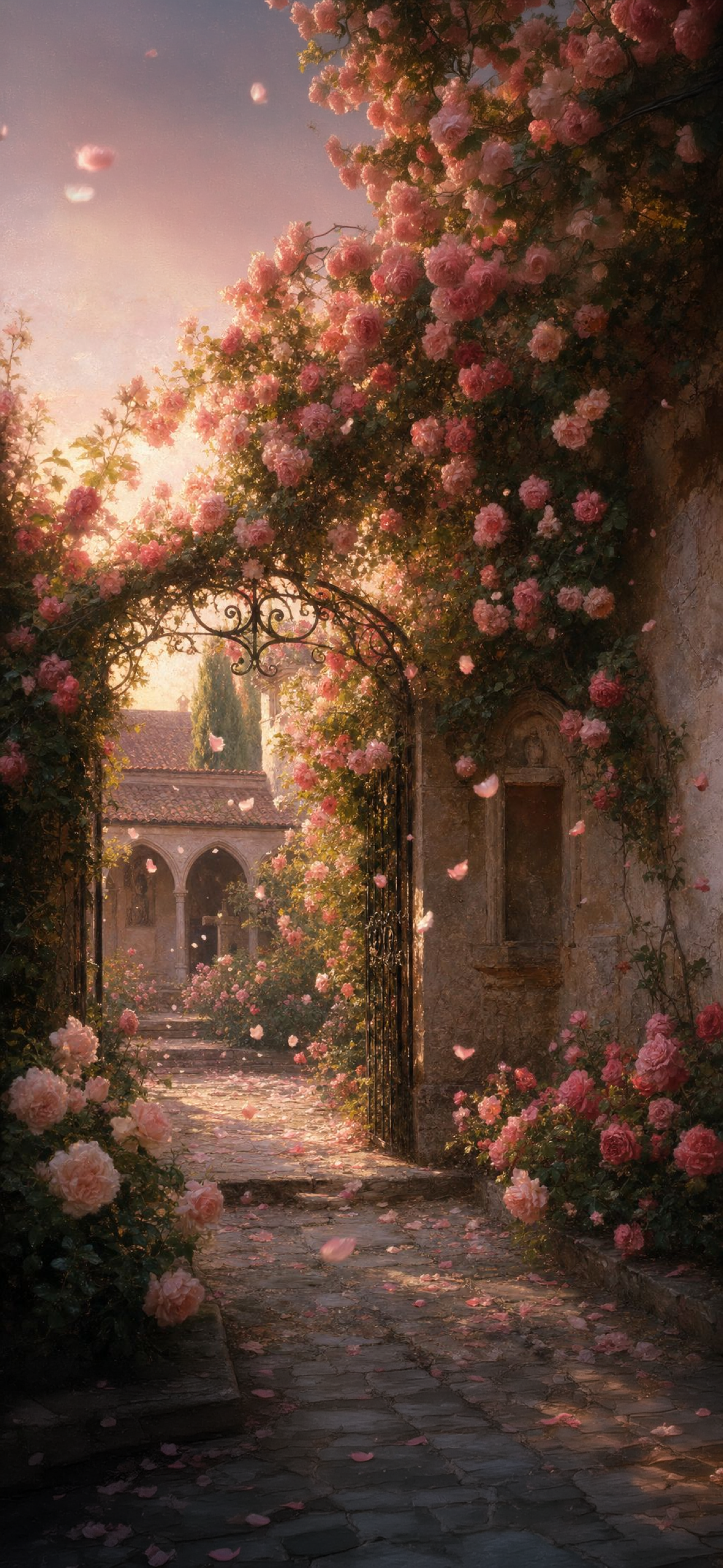
The Rose Garden
A wrought-iron gate standing open onto a cloister, roses climbing the wall and falling across the stones. The garden is not locked.
Download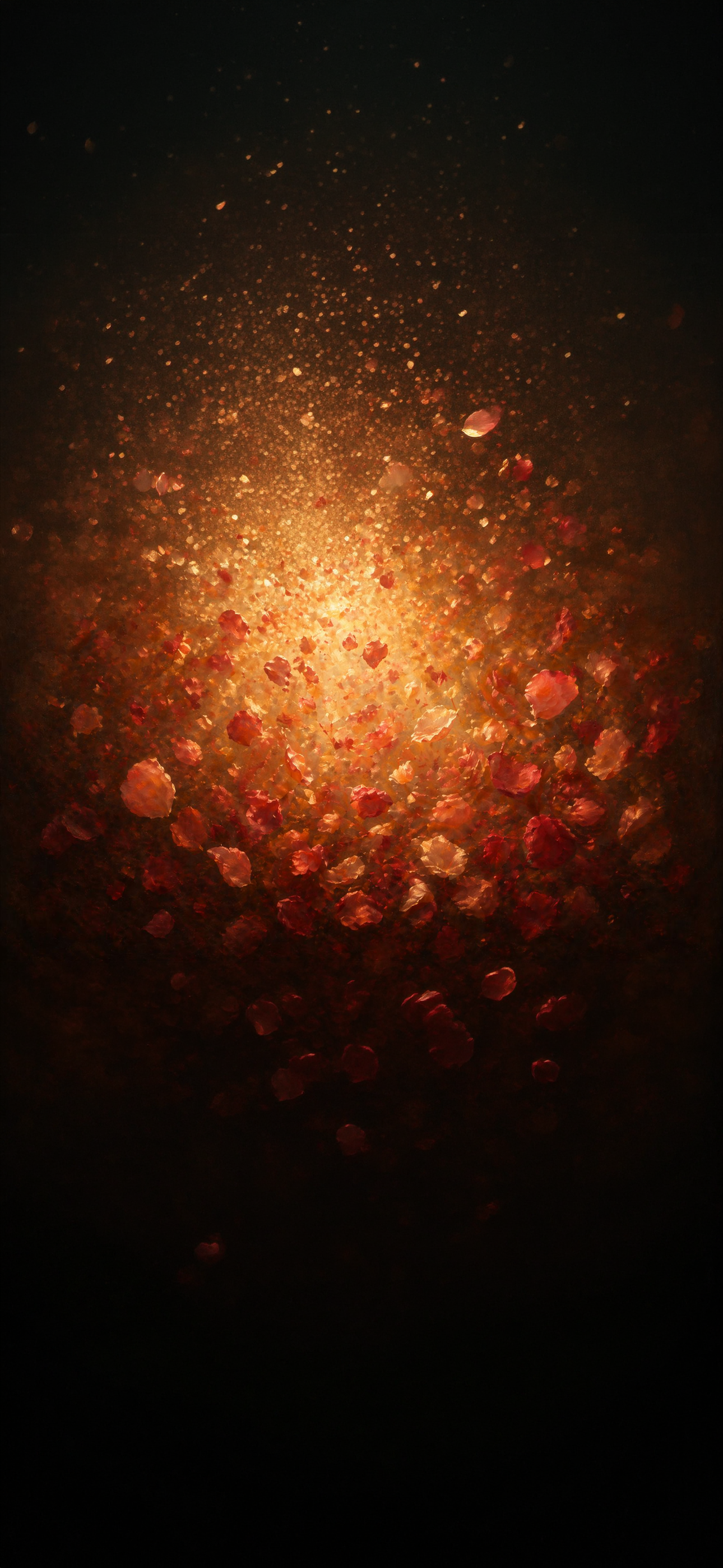
A Shower of Roses
Petals falling out of a gold light. Thérèse is remembered as promising that after her death she would let fall a shower of roses — the image the whole app is named for.
Download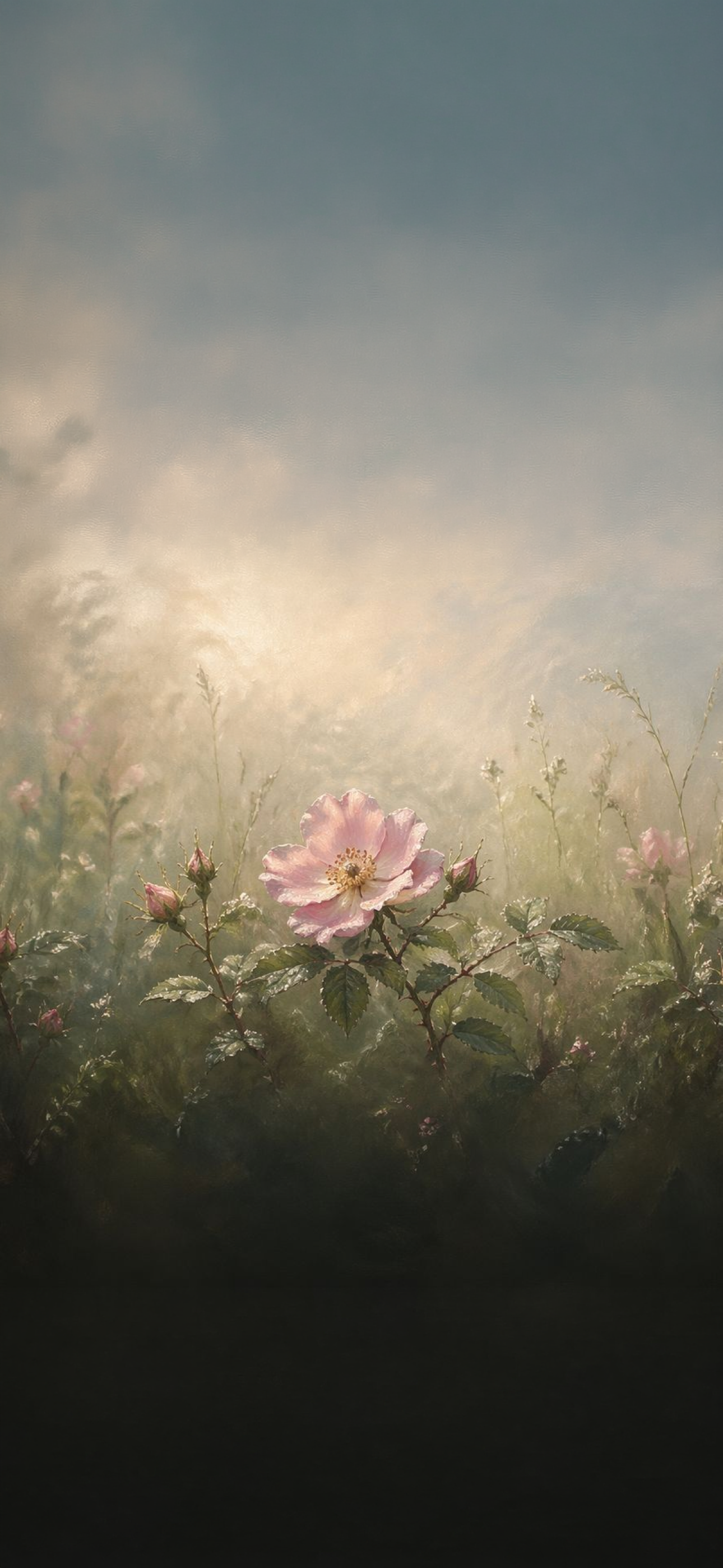
The Little Flower
A single wild rose in a misted field, no larger than the ones around it. She called herself the little flower — not the rarest in the garden, only one God chose to look at.
Download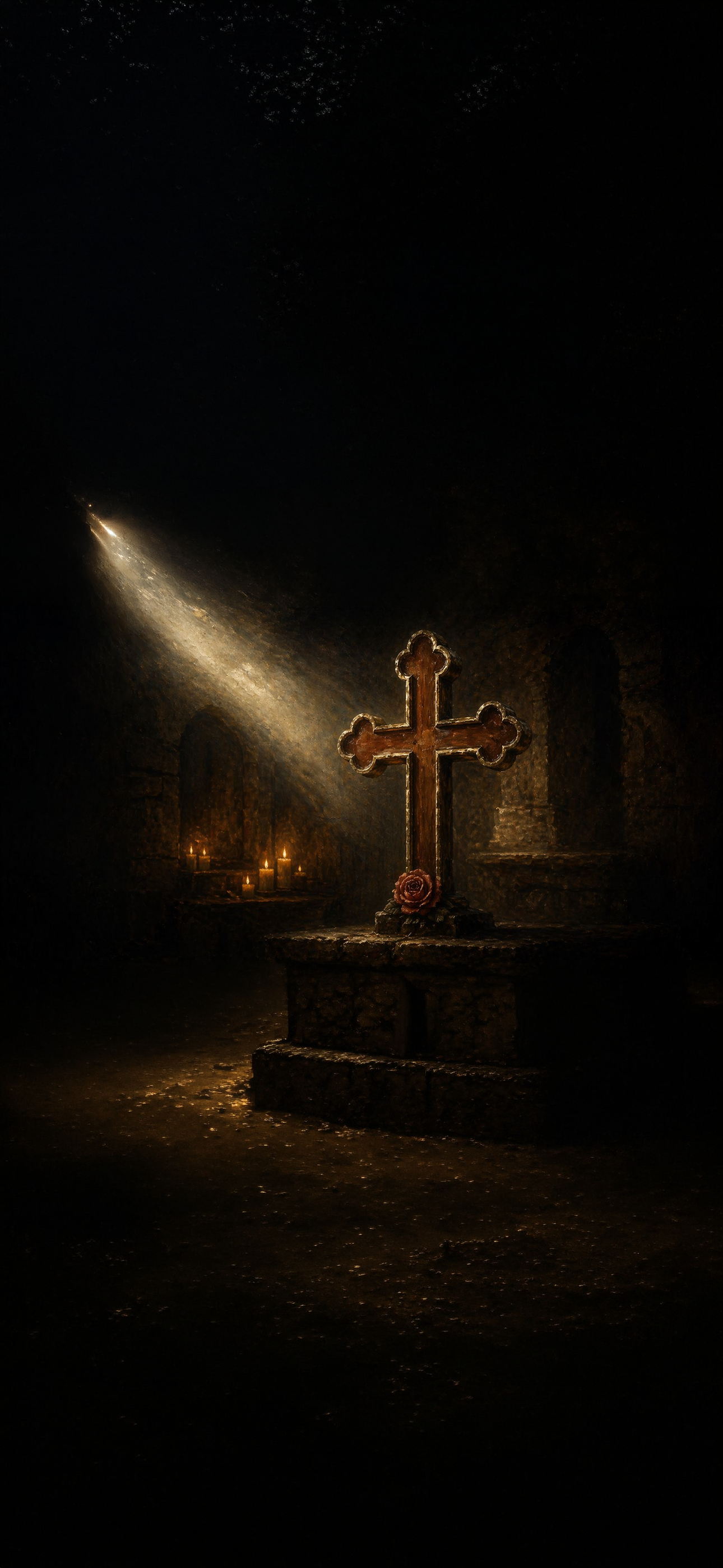
The Quiet Cross
A stone altar in an empty church, one shaft of light across it, a rose laid at the foot of the cross. For anyone who wants something still on their screen.
DownloadWhy a saint on your lock screen
You look at your lock screen something like a hundred times a day. Most of what is on it is asking you for something — a badge, a notification, a red dot. A wallpaper is the one part of the screen that asks you for nothing.
Thérèse of Lisieux spent her whole adult life inside one Carmelite convent in Normandy and died at twenty-four, and the Church made her the patroness of every missionary on earth — someone who reached the world without leaving her room. That is a strange and useful thing to be reminded of by a phone.
I want to spend my heaven in doing good on earth. St. Thérèse of Lisieux, quoted in the Catechism of the Catholic Church, 956
You do not have to do anything with the reminder. Put her there and forget about her, and she will still be there at the end of the day.
How to set one as your lock screen
-
1
Save the image
Tap Download on the wallpaper you want. On iPhone, press and hold the image, then choose Save to Photos.
-
2
Open Wallpaper settings
Go to Settings, then Wallpaper, then Add New Wallpaper.
-
3
Choose it from Photos
Tap Photos, pick the wallpaper you just saved, and position it. Each one is already sized so the clock falls in the quiet part of the image.
-
4
Set it
Tap Add, then choose whether to use it for the Lock Screen, the Home Screen, or both.
Questions
Are these wallpapers free?
Yes. All four are free to download and use on your own phone. There is no account, no email required, and no watermark.
What size are they?
Each wallpaper is 1290×2796 pixels, which is the full lock screen resolution of the iPhone Pro. They will still look right on smaller iPhones and on most Android phones, which will crop slightly from the sides.
Will the clock cover the picture?
No. Each image was composed for a phone rather than cropped down to fit one, so the top of the screen — where the clock and date sit — is left dark and open.
Can I use these on Android?
Yes. Save the image, then open your phone's Wallpaper settings and choose it from your gallery. Android will crop a little from the left and right edges.
Where do the images come from?
They come from the Little Way app: the rose garden, the falling petals, the little flower and the quiet cross. None of them is a likeness of St. Thérèse. The true likenesses of her are the photographs her sister Céline took at the Carmel of Lisieux, which the Carmel still keeps.
The art comes from somewhere
These are the paintings you meet inside Little Way — a free app for praying in the spirit of St. Thérèse: a daily rhythm, a rosary, and a chapel where strangers pray for each other by name.
Get the App